
How SaaS Businesses Can Turn Website Visitors Into Long-TermCustomers
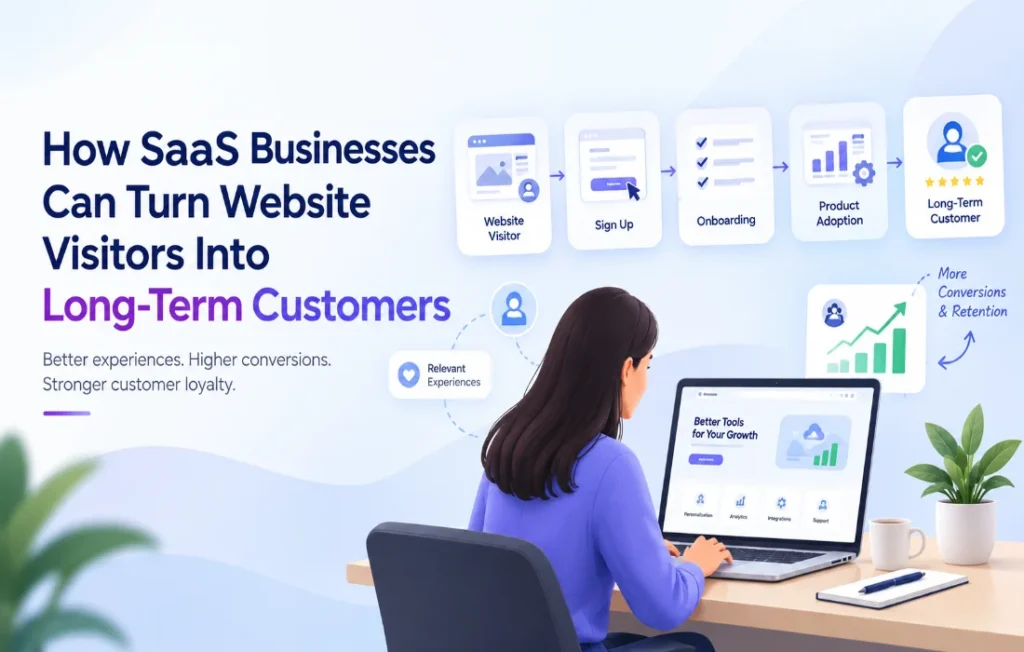
AI Generated
Last Updated on October 10, 2026 by Yuvraj Singh
Getting people to your SaaS website is the easy part. Getting them to sign up, actually use the product, and keep paying for it month after month? That’s where most teams get stuck.
Think about how it usually goes. Someone lands on your homepage, skims the pricing page, clicks through a couple of features, and leaves. Someone else creates a free account, logs in once, and never comes back. And even people who do pay can quietly cancel a few months later because they never really figured out what the product was good for.
Traffic is just the starting line. What happens after someone finds you decides whether the business grows or just leaks. The goal is to move people from curiosity to trust, then to a first real win with the product, and finally to a relationship that lasts.
Here’s how SaaS teams can get there.
1. Figure Out What Visitors Actually Want
Two people can open the same website with totally different goals. A startup founder shopping for a project management tool probably wants something cheap and simple. A marketing manager looking at analytics software cares more about reports, integrations, and how the team can work together in it.
If both of them see the same generic pitch, neither gets what they came for.
So start by watching how people move around your site. Which pages do they open? Which features hold their attention? Do they keep going back to pricing, reading comparison posts, or poking around the integrations page?
Say a lot of visitors jump from a product page straight to integrations. That’s a hint that compatibility matters to them when they decide. Making that information easier to find might be all it takes to remove a roadblock.
One caution: don’t build a theory off a single click. Look for patterns across many visits, then use them to spot the questions your site should be answering more clearly. Understanding these patterns can help improve SaaS customer conversion by addressing the concerns that prevent visitors from taking the next step.
2. Talk About the Customer’s Problem, Not Your Product
Most SaaS companies love describing what the product can do. Fair enough, the details matter. But visitors are usually asking something much simpler: how is this going to help me?
Take an email marketing platform. One headline says, “Advanced automation with customizable workflows.” Another says, “Send more relevant emails without babysitting every campaign.” They describe the same thing, but the second one speaks to a headache the reader probably already has.
You don’t have to hide the technical stuff. Just explain it in terms of what it does for the person reading.
Go through your homepage, product pages, and pricing page like you’ve never seen them before. Can you tell quickly who the product is for, what problem it solves, and why it might beat the alternatives? If you have to hunt for those answers, your visitors will probably give up before they find them.
3. Make Information Easy to Find
Nobody decides based on one page. People bounce between features, case studies, pricing, docs, and the FAQ before they commit to anything. When those pieces are buried, even a really good product starts to look confusing.
A good site makes the next step obvious without shoving everyone down the same path. A small business owner comparing plans should be able to understand the differences without booking a call with sales. Someone vetting a
more technical product should be able to find security details, integrations, and implementation info without digging.
This is also where conversion rate optimization (CRO) comes in. Analytics, session recordings (where appropriate), and plain old user feedback can show you the pages where people get lost.
If you’re still putting your optimization stack together, it’s worth looking at which CRO tool integrations are available, so you can see how different tools fit together for experimentation, analytics, and site optimization The aim is simple: cut out any effort that doesn’t need to be there.
4. Personalize Without Overcomplicating It
Someone visiting for the first time and someone coming back for the third time need different things. The first person needs a clear explanation of what you do. The returning visitor has probably seen the features already and is more interested in pricing, a demo, or how you stack up against a competitor.
You can use that difference. A company selling analytics software could lead with reporting features on a page meant for marketing teams, and focus on visibility and business performance for executives. And if someone arrives from a campaign about one specific feature, the page they land on should pick up right where the ad left off.
That’s where website personalization earns its place. Tools like CustomFit.ai help teams build and fine-tune website experiences that feel more relevant to each visitor.
Still, personalization should fix a real problem. Hitting the same person with pop-up after pop-up, or guessing too much from a few page views, just irritates people. Begin with a handful of changes that matter, see what they do, and only expand when the numbers back it up.
5. Make the First Experience Count
A signup isn’t the finish line. For a SaaS company, one of the biggest moments is the first time a new user actually feels the value of the product.
This is usually called time to value, meaning how long it takes someone to get a useful result after they start using the product.
Picture signing up for a project management tool and landing on an empty dashboard with a pile of menus and a long list of setup options. You get that it’s powerful, but you have no clue where to start. Now picture a different version, where the tool walks you through creating your first project, inviting a teammate, and assigning a task, all in a few minutes. That second experience gives you a reason to come back tomorrow.
Figure out which actions tell you a user is starting to get value. For one product it might be connecting a data source. For another, publishing a first campaign or inviting a coworker. Once you know that moment, build onboarding around getting people to it.
Short setup guides, tips that show up in context, sample projects, checklists, and onboarding emails that suggest the next sensible step all help. What doesn’t help is throwing every feature at someone on day one. Let them finish one meaningful task first.
6. Let Customer Feedback Show You What’s Broken
Analytics tell you what people did. They rarely tell you why.
If users drop off halfway through setup, the cause could be a bug, confusing instructions, missing information, or a step that asks for too much. Guess wrong and you’ll spend time fixing something that wasn’t the problem.
Talking to customers fills that gap. Ask new users where they got stuck. Reach out to people who stopped using the product. Read through your support tickets and look for what keeps coming up. Even a handful of honest conversations can surface things no dashboard will.
For example, if customers keep asking support how to connect a tool they already use, that might point to thin documentation, a clunky interface, or an integration that needs work. Don’t treat each ticket as a one-off. Look for the pattern behind them.
Then decide what to fix first based on three things: how many customers it affects, how badly it hurts the experience, and how much work the fix takes.
7. Test Before You Roll Anything Out
An idea that sounds smart doesn’t always perform well. One team might be sure that a shorter signup form will bring in more registrations. Another might assume testimonials on the pricing page will make people feel safer. Both are worth trying, but neither is a sure thing.
A/B testing lets you show different versions of a page to different visitors and see what actually happens. You could test two homepage headlines, compare calls to action, or check whether a simpler signup flow leads to more finished registrations.
Before you start, decide what you’re trying to improve. More signups sounds great, but it isn’t always the right measure. If a change brings in more people who never activate their accounts, it hasn’t really helped. Depending on the test, better measures might be signup completion, activation rate, trial-to-paid conversion, or use of a key feature.
Give each test enough time and traffic to mean something, and try not to change several big things at once if you want to know what caused the result.
The point of testing isn’t to win every experiment. It’s to make decisions based on evidence instead of whoever argues loudest in the meeting.
8. Stay Useful After Signup
Once someone has had that first taste of value, the next job is helping them keep getting it. This is where how you communicate matters.
A good onboarding email might remind someone how to finish a setup step they skipped. A product update might point out a feature that fits the way they already
work. A well-timed nudge can bring someone back to something they started and abandoned.
What separates helpful from annoying is relevance. Sending every customer the same string of promo emails ignores the fact that people use your product in different ways. Look at what each person has already done, and send what helps them take the next step.
If a user has connected their data but never built a report, a short guide to making their first report beats an email pushing some advanced feature.
And don’t assume every quiet customer needs another reminder. Some are running into a problem. Some don’t need the product anymore. Some just use it in a different rhythm than you expected. Give people an easy way to get help, let them manage their email preferences, and pay attention to what they tell you.
9. Track Retention, Not Just Signups
Traffic and signup numbers are easy to love because they move all the time. But they only tell part of the story. If people sign up and vanish a week later, pushing more traffic at the problem won’t fix it. A strong SaaS customer retention strategy focuses on helping customers continue to get value from the product over time.
It helps to look at the whole customer lifecycle. A few numbers worth tracking:
- Visitor-to-signup rate: how well your site turns the right visitors into registrations
- Activation rate: how many new users hit an important milestone in the product
- Trial-to-paid conversion: how many trial users end up paying
- Customer churn: how many customers stop using or paying for the service
- Customer retention: how many stick around over time
These make more sense when you read them together. If trial-to-paid conversion drops, the cause could be pricing, onboarding, product gaps, or a mismatch between what marketing promised and what people found. The numbers tell you where to dig. Customer conversations and product data help you understand why.
Don’t try to fix every metric at once. Pick the biggest problem in the journey, work on its most likely causes, and check whether your changes made a difference.
Related Article: How Customer Retention Strategies Can Improve Long-Term Business Value
Final Thoughts
Turning visitors into long-term customers takes more than a nice homepage or a slick signup form. People need to understand what you offer, see that it fits their situation, feel the value for themselves, and keep getting that value after they’ve paid.
A good place to begin is one honest question: where are potential customers struggling to take the next step? It might be a vague product page, a painful signup, confusing onboarding, or follow-up emails that don’t help. Whatever it is, fix that first.
Listen to your customers, test your assumptions, and let the results point you to the next improvement. Small, thoughtful changes add up, and over time they turn the right visitors into active users and give existing customers more reasons to stay.

Yuvraj Singh
Yuvraj Singh is a Content Marketing Specialist at CustomFit.ai, where he researches and writes about A/B testing, conversion optimization, website personalization, and digital experiences. His work focuses on turning industry research and practical insights into clear, actionable content for ecommerce and growth teams.